AJAX meaning has become an essential term in both technology and everyday conversations.
Whether you’re a web developer, a student, or just curious about modern internet terminology, understanding AJAX will give you an edge.
In this guide, we’ll explore the origin of AJAX, its uses in web development, practical examples, and much more. 🌐
What Does AJAX Stand For? 🤔
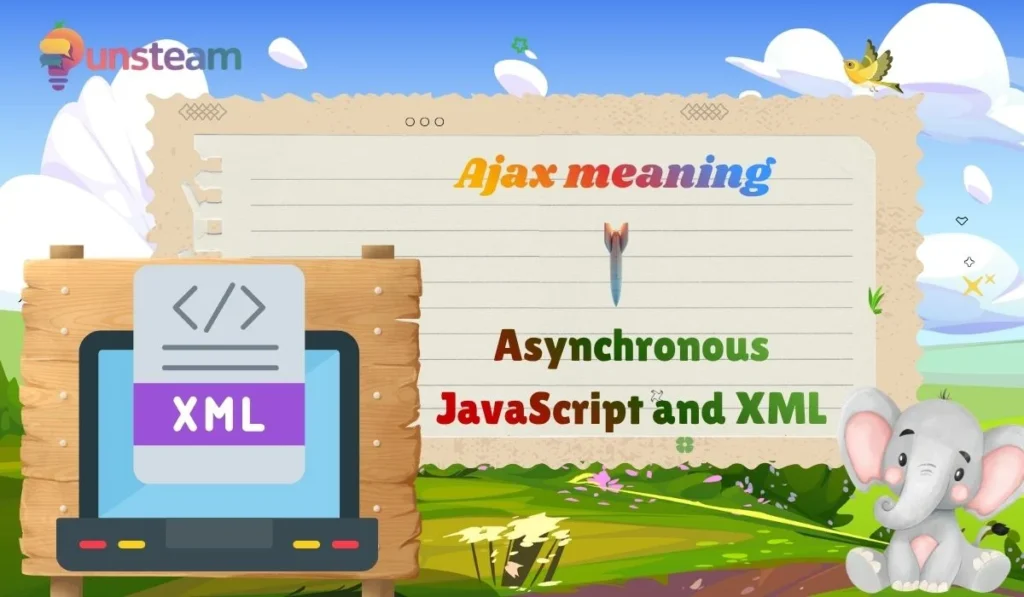
AJAX stands for Asynchronous JavaScript and XML. It’s a programming technique used in web development to create dynamic, interactive web pages.
In simple terms, AJAX allows parts of a web page to update without reloading the entire page. This makes websites faster, smoother, and more user-friendly. ⚡
Breaking Down the Acronym 🛠️
- Asynchronous: Means the browser can request data in the background without stopping other operations.
- JavaScript: A scripting language used to control website behavior.
- XML: A data format used for sending and receiving information between client and server.
Origin of AJAX 🏷️
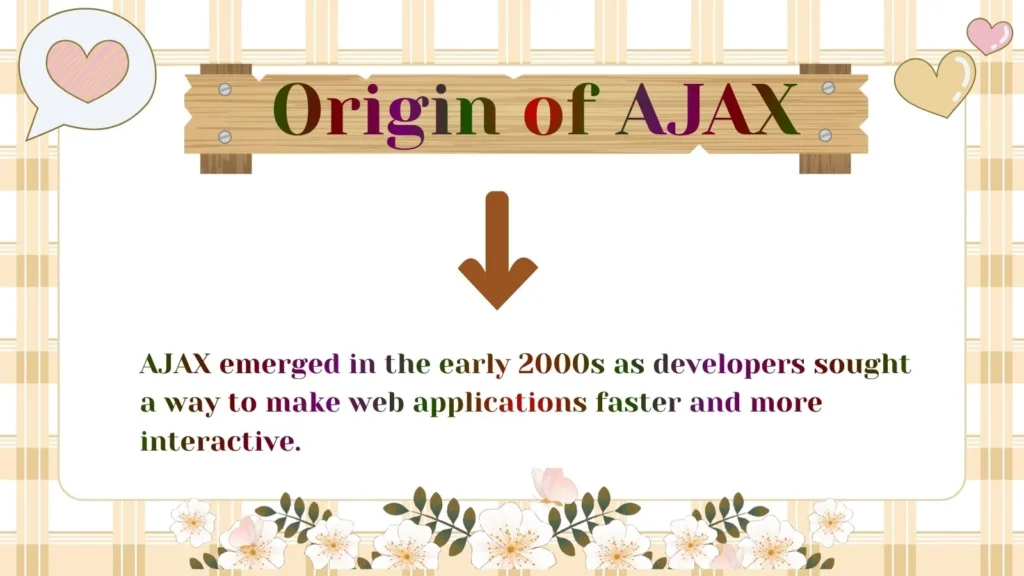
AJAX emerged in the early 2000s as developers sought a way to make web applications faster and more interactive.
The concept was popularized by Jesse James Garrett in 2005. It transformed static web pages into dynamic, app-like experiences, paving the way for modern web applications like Gmail, Google Maps, and Facebook. 🌍
Timeline of AJAX Development ⏳
| Year | Event |
|---|---|
| 1999 | Microsoft introduced XMLHttpRequest in Internet Explorer |
| 2000 | Early AJAX techniques applied in web apps |
| 2005 | Jesse James Garrett coins the term “AJAX” |
| 2010s | AJAX becomes mainstream in web development |
How AJAX Works – Simplified 🔧
AJAX uses JavaScript to send a request to the server and receive data without reloading the page. Here’s a step-by-step simplified workflow:
- User interacts with a web page element (e.g., clicks a button)
- JavaScript sends an HTTP request to the server
- The server processes the request and sends back data (XML, JSON, or HTML)
- JavaScript updates only the relevant part of the web page
Example of AJAX in Action 💻
Imagine a live weather app:
- User enters a city name
- AJAX sends the city to the server
- Server responds with current temperature and forecast
- Page updates without full reload, giving instant results 🌦️
Common Uses of AJAX 🌐
- Live search suggestions (e.g., Google search autocomplete)
- Dynamic content loading on social media feeds
- Form submission without page reload
- Interactive maps (e.g., Google Maps)
- Real-time notifications and chat apps 💬
Benefits of Using AJAX ✅
- Speed: Faster data updates without refreshing the page
- Better UX: Smooth, interactive websites
- Reduced Server Load: Only required data is transferred
- Dynamic Content: Supports live updates like stock tickers, feeds, and dashboards 📊
Limitations of AJAX ⚠️
- SEO Challenges: Search engines may not index dynamically loaded content properly
- Browser Compatibility: Older browsers may have limited support
- Security Risks: Exposes APIs if not properly handled
- JavaScript Dependency: Users with disabled JS won’t see dynamic updates ❌
AJAX in Modern Web Development 🖥️
AJAX is still a key part of modern web apps, even with frameworks like React, Vue, and Angular. These frameworks use AJAX under the hood for asynchronous data fetching, making web apps feel faster and more responsive. ⚡
AJAX and JSON – The Perfect Pair 🔗
While XML was traditionally used, JSON has become the preferred format for AJAX requests due to its lightweight nature and ease of use. Most modern web applications rely on AJAX + JSON for efficient communication between client and server.
Examples of AJAX Applications 📱
- Gmail – Loading emails dynamically without refreshing
- Facebook – Infinite scrolling of posts
- Twitter – Updating timelines in real time
- Spotify Web – Loading songs and playlists dynamically 🎵
AJAX in Daily Life – Beyond Tech 🏠
AJAX doesn’t just belong to web development. Its concept of asynchronous updates appears in various daily applications like:
- Live stock market trackers
- Sports score updates
- Weather updates in apps and widgets 🌤️
- Real-time messaging apps
Tips for Learning AJAX Effectively 📚
- Start with understanding JavaScript basics
- Practice XMLHttpRequest and Fetch API
- Experiment with JSON data fetching
- Use AJAX in small projects before integrating into large apps
- Follow best practices for security and performance 🔒
Common Misconceptions About AJAX ❌
- AJAX is a programming language – ❌ It’s a technique that uses JavaScript + XML/JSON
- AJAX is outdated – ❌ It is still widely used in modern frameworks and web apps
- AJAX is only for developers – ❌ Anyone learning web development benefits from understanding it
AJAX vs Traditional Web 🆚
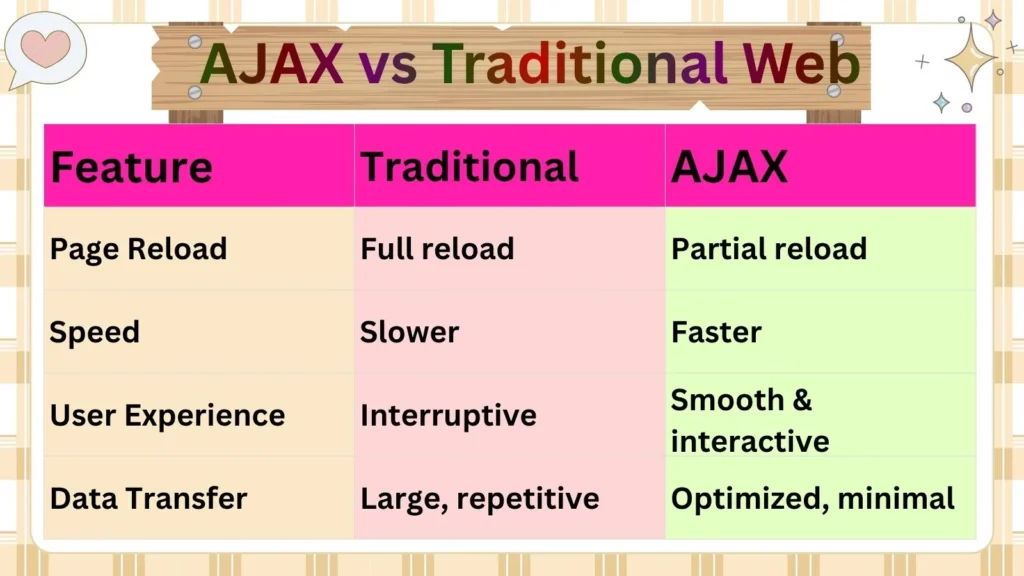
| Feature | Traditional | AJAX |
|---|---|---|
| Page Reload | Full reload | Partial reload |
| Speed | Slower | Faster |
| User Experience | Interruptive | Smooth & interactive |
| Data Transfer | Large, repetitive | Optimized, minimal |
AJAX Best Practices 💡
- Always handle errors gracefully
- Use JSON instead of XML for efficiency
- Minimize the number of requests for better performance
- Ensure accessibility and fallback for non-JS users
- Secure your APIs and endpoints 🔐
FAQs:
1. What is AJAX in simple terms?
AJAX allows web pages to update parts of content asynchronously without reloading the entire page.
2. Is AJAX still relevant in 2026?
Yes! Modern web frameworks still rely on AJAX techniques for fast, interactive websites.
3. Can AJAX work without JavaScript?
No. AJAX depends on JavaScript for asynchronous requests and page updates.
4. What’s the difference between AJAX and JSON?
AJAX is a technique, while JSON is a data format often used with AJAX for communication between client and server.
5. Are AJAX websites SEO-friendly?
Dynamic content can pose SEO challenges, but modern techniques like server-side rendering and prerendering can help.
Conclusion:
Understanding AJAX meaning is crucial for anyone interested in modern web development or interactive web applications.
AJAX allows asynchronous updates, improves user experience, reduces server load, and powers countless popular web applications.
By mastering AJAX, you can build faster, smoother, and more dynamic websites in 2026 and beyond. 🚀

I am Jonathon Dorofy and i am SEO content writer and meanings expert who specializes in internet slang, texting abbreviations, and modern language trends. He creates well-researched, easy-to-understand content that helps readers quickly learn the meaning of words, acronyms, and online expressions. With a strong focus on accuracy, user intent, and Google SEO best practices, Jonathon delivers trustworthy content designed to simplify digital communication for a global audience.